What is Kinlora?
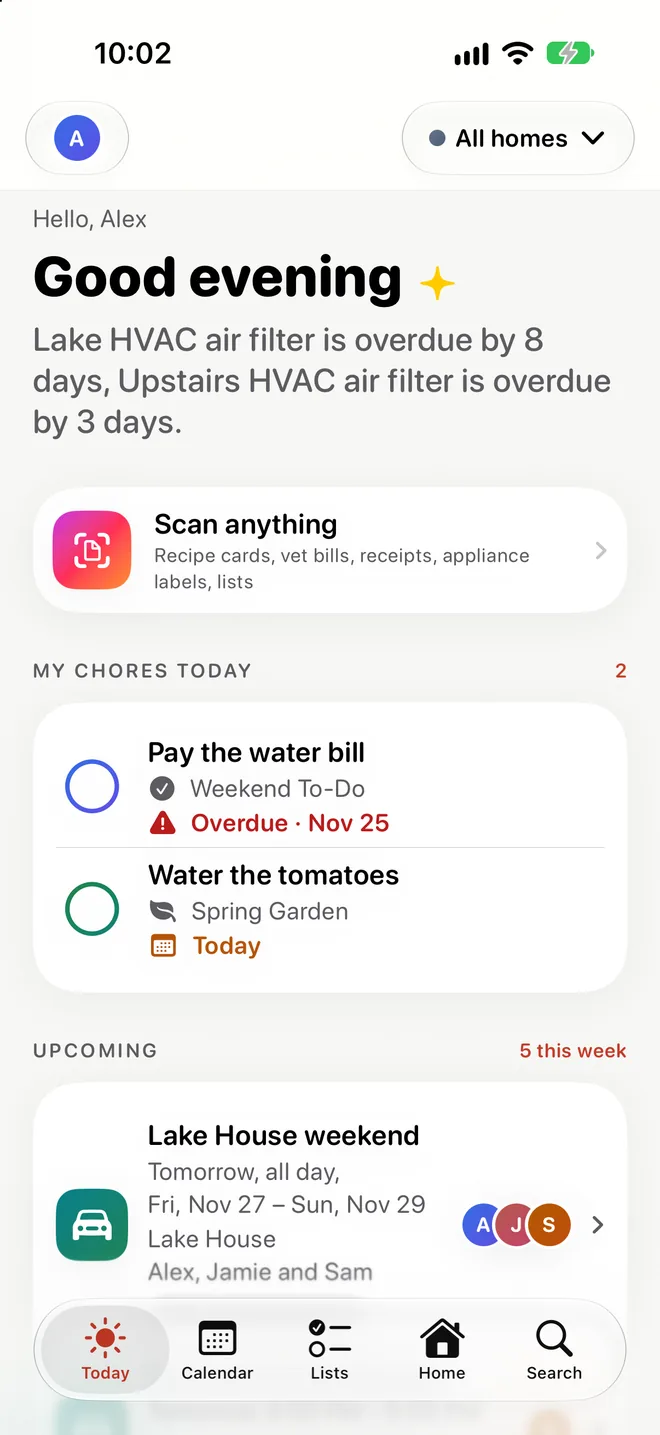
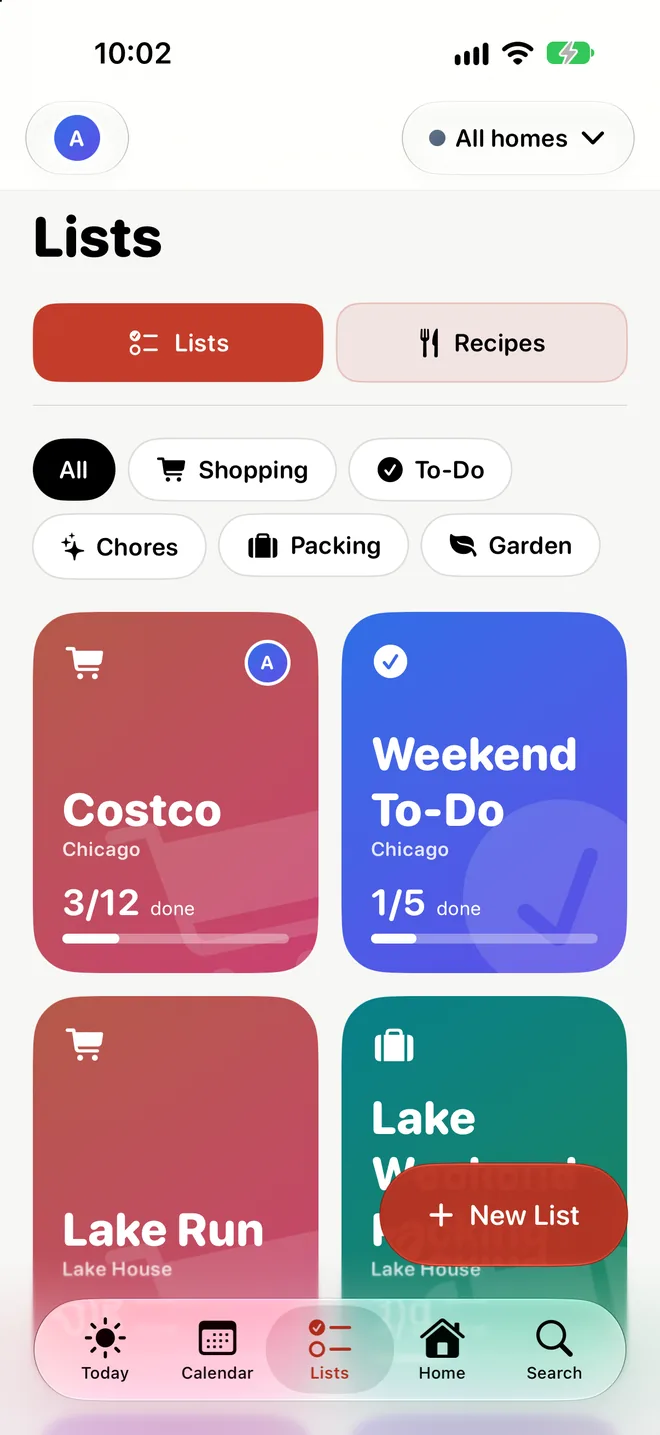
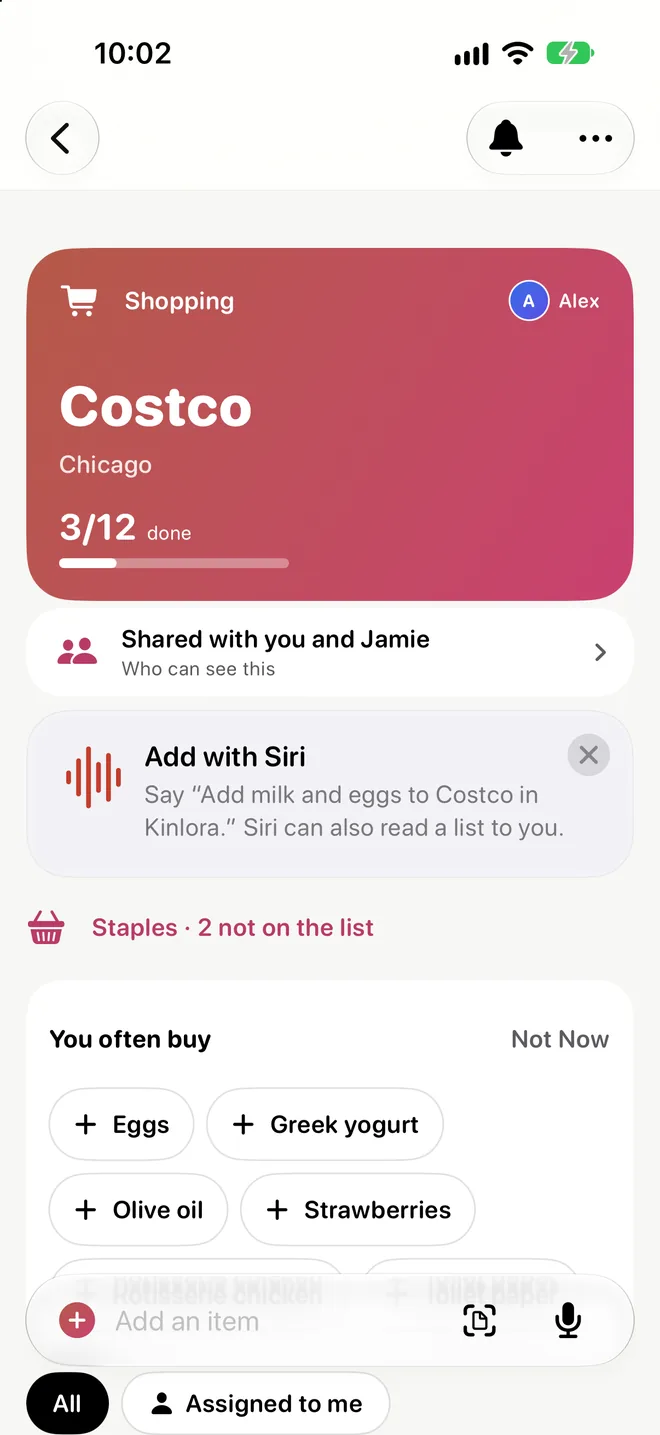
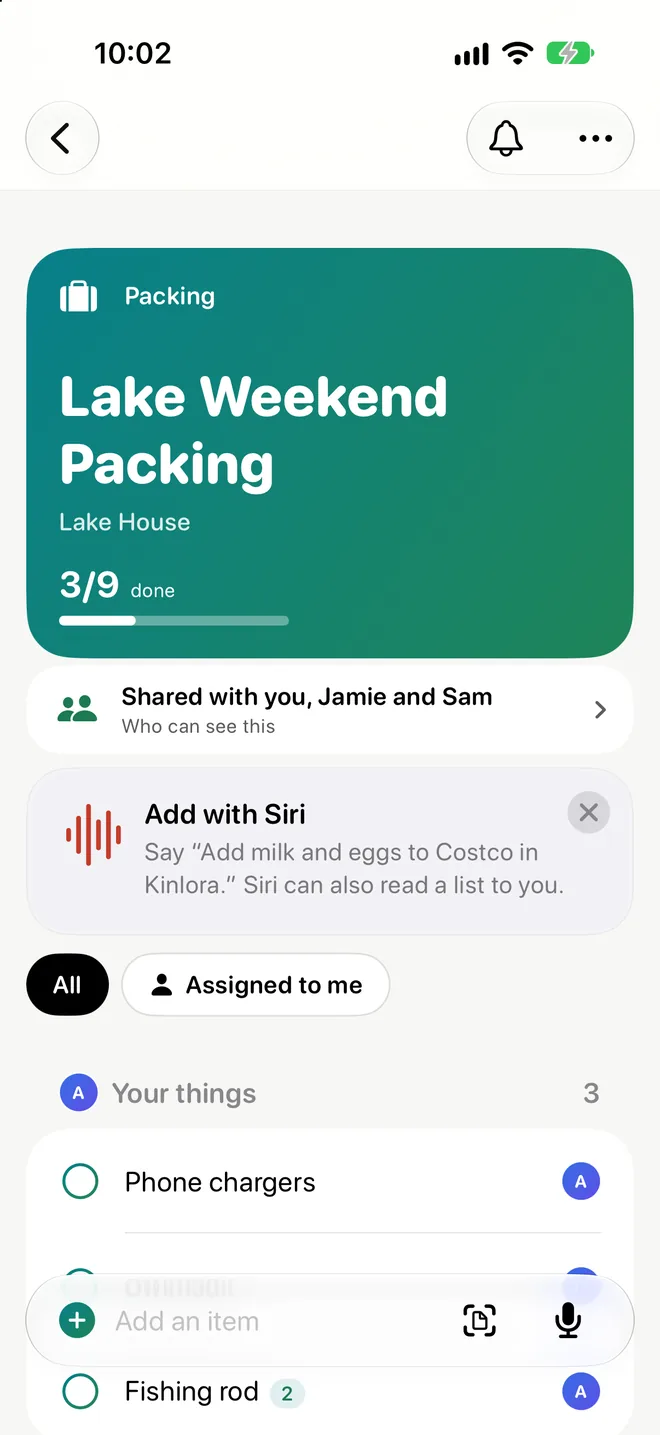
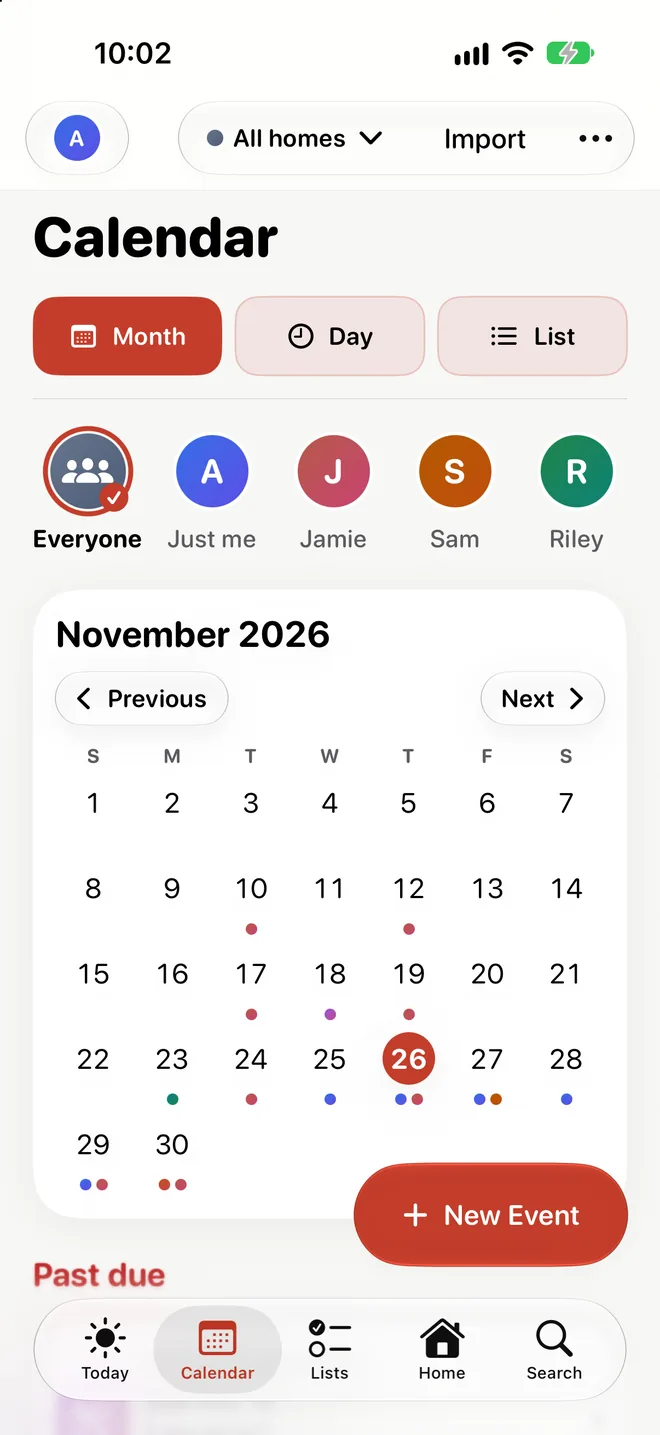
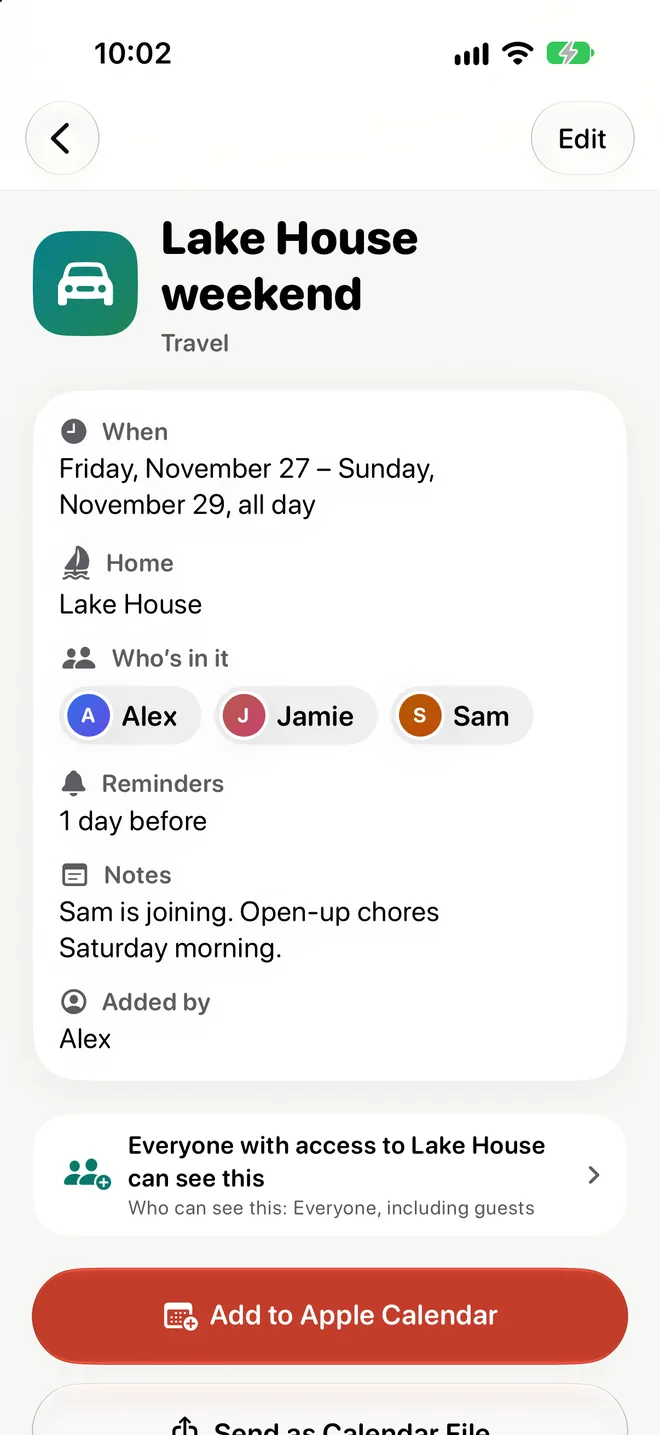
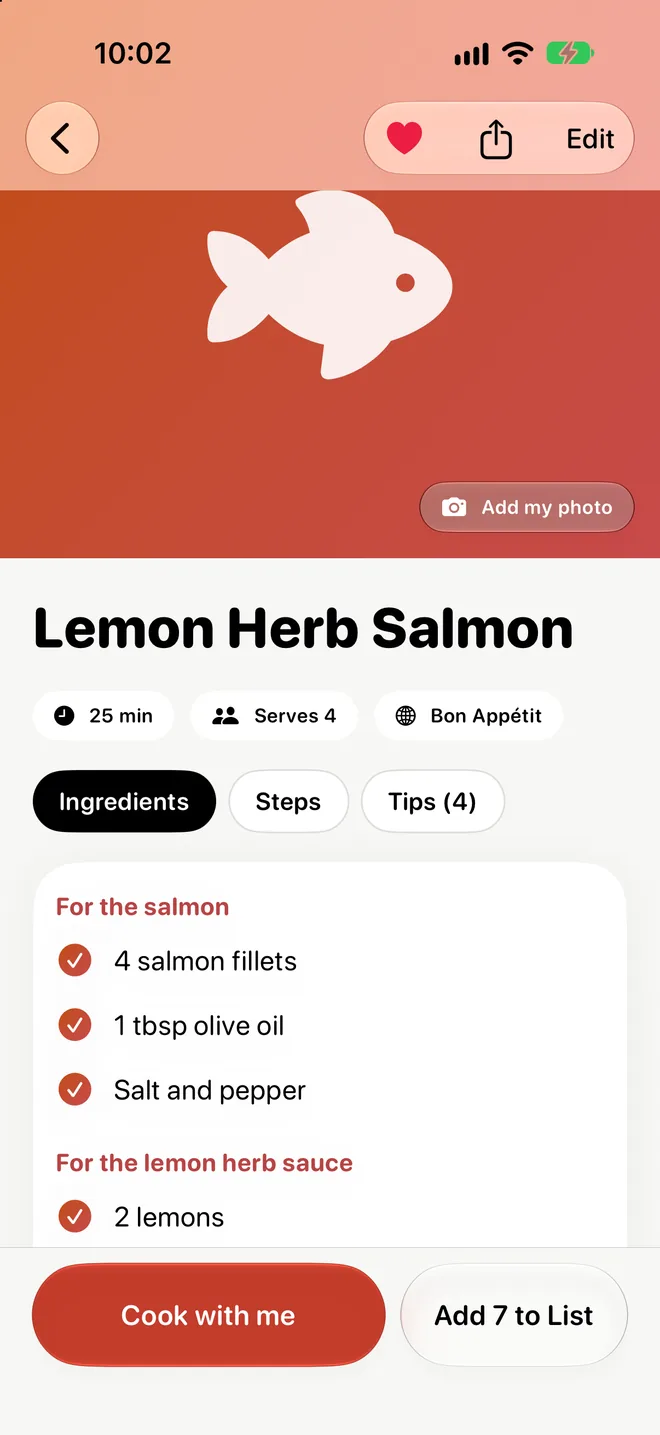
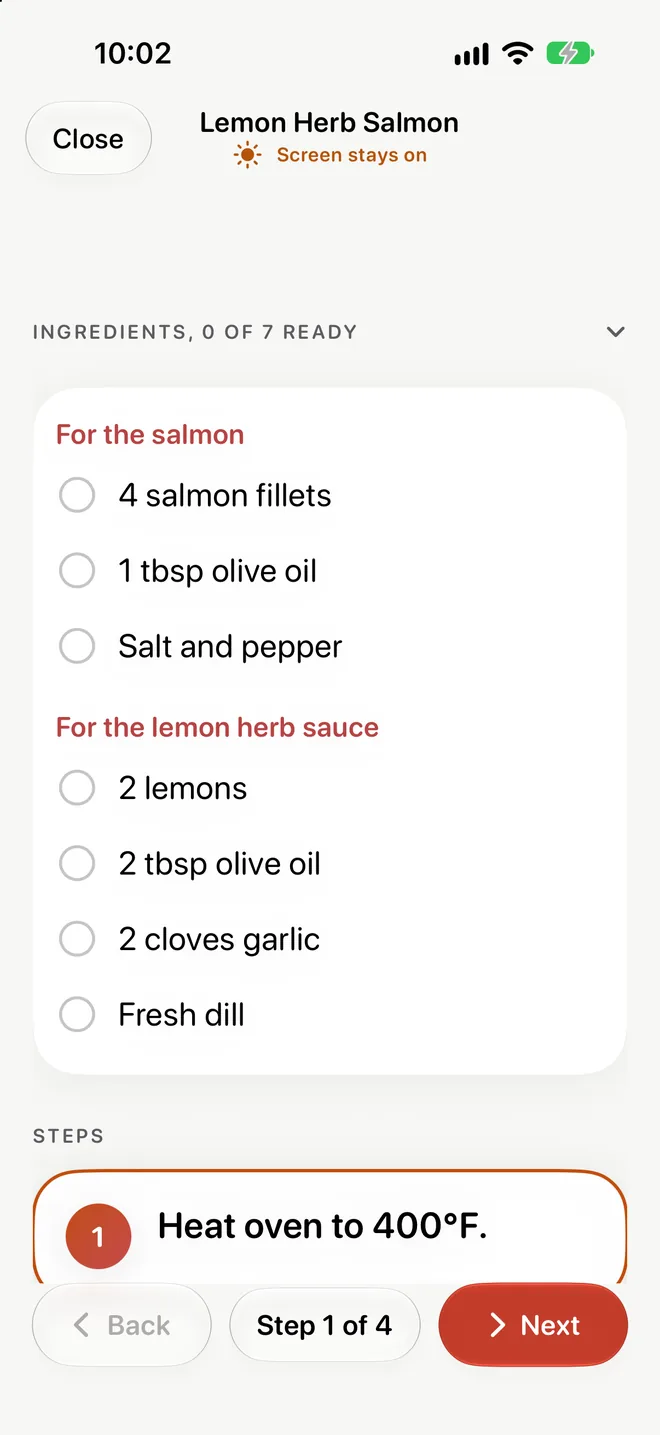
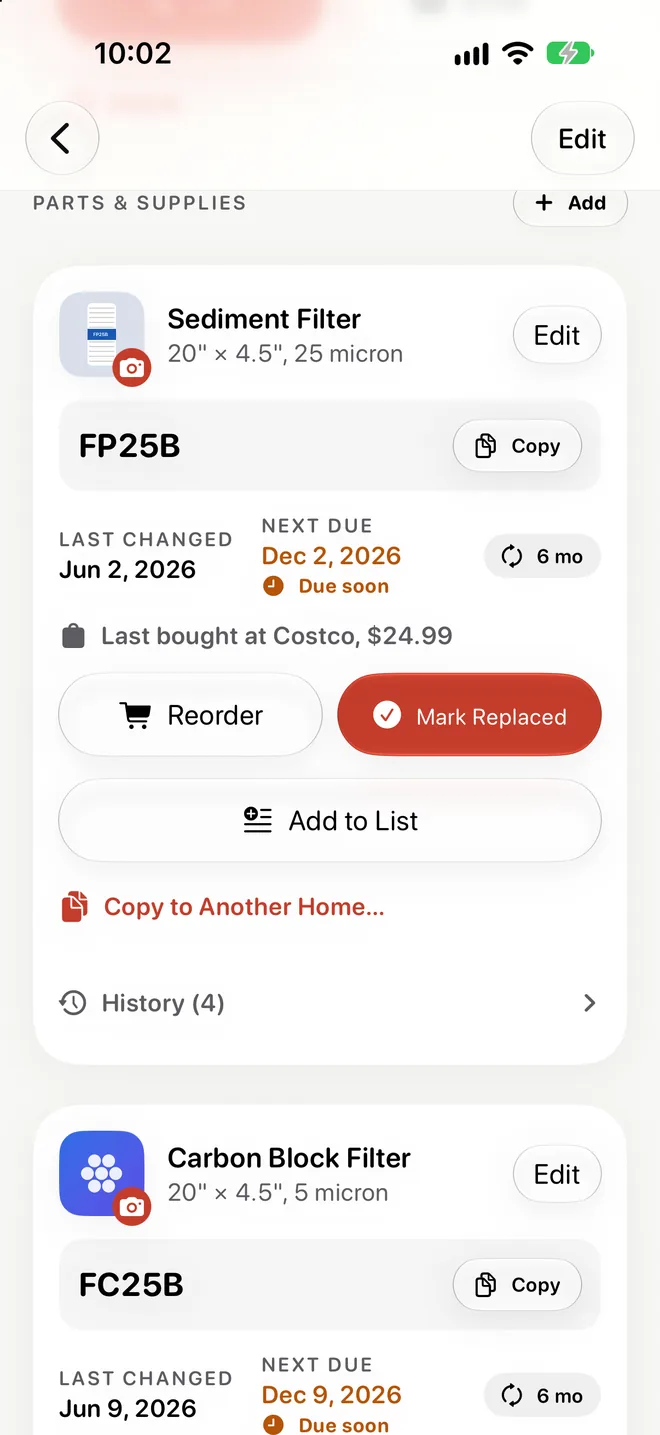
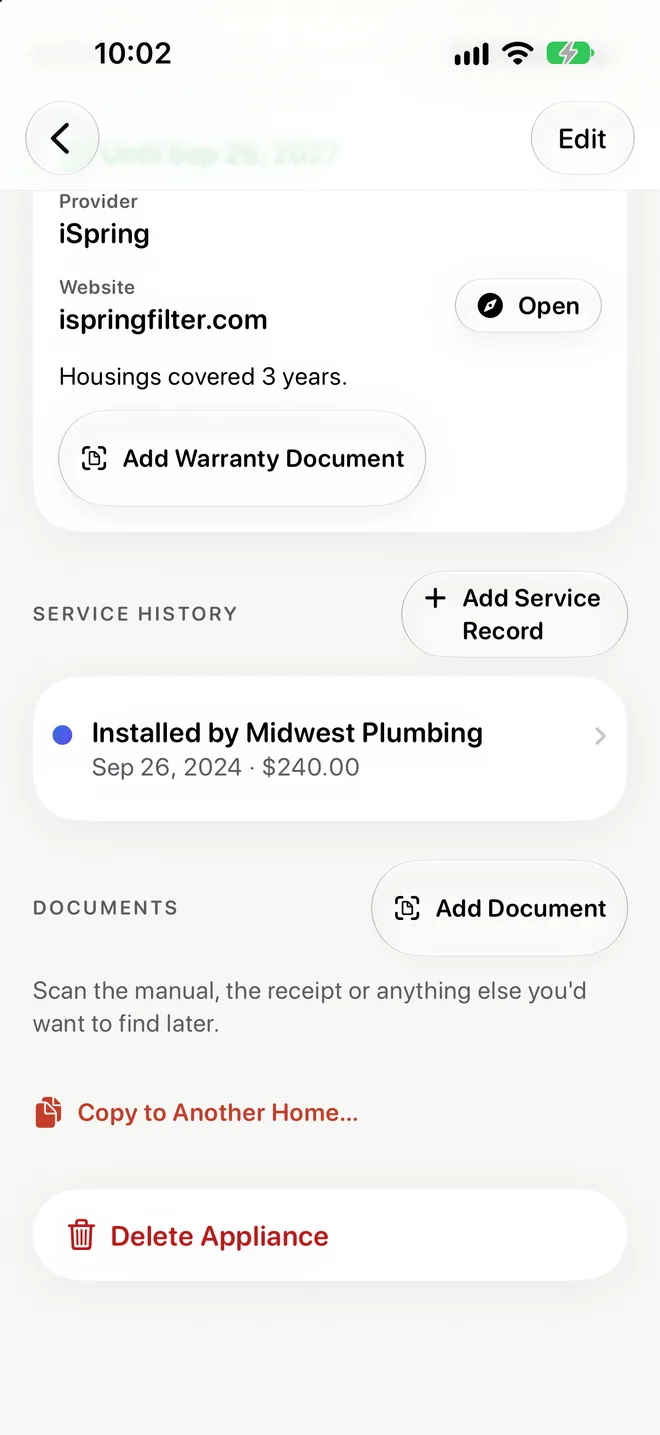
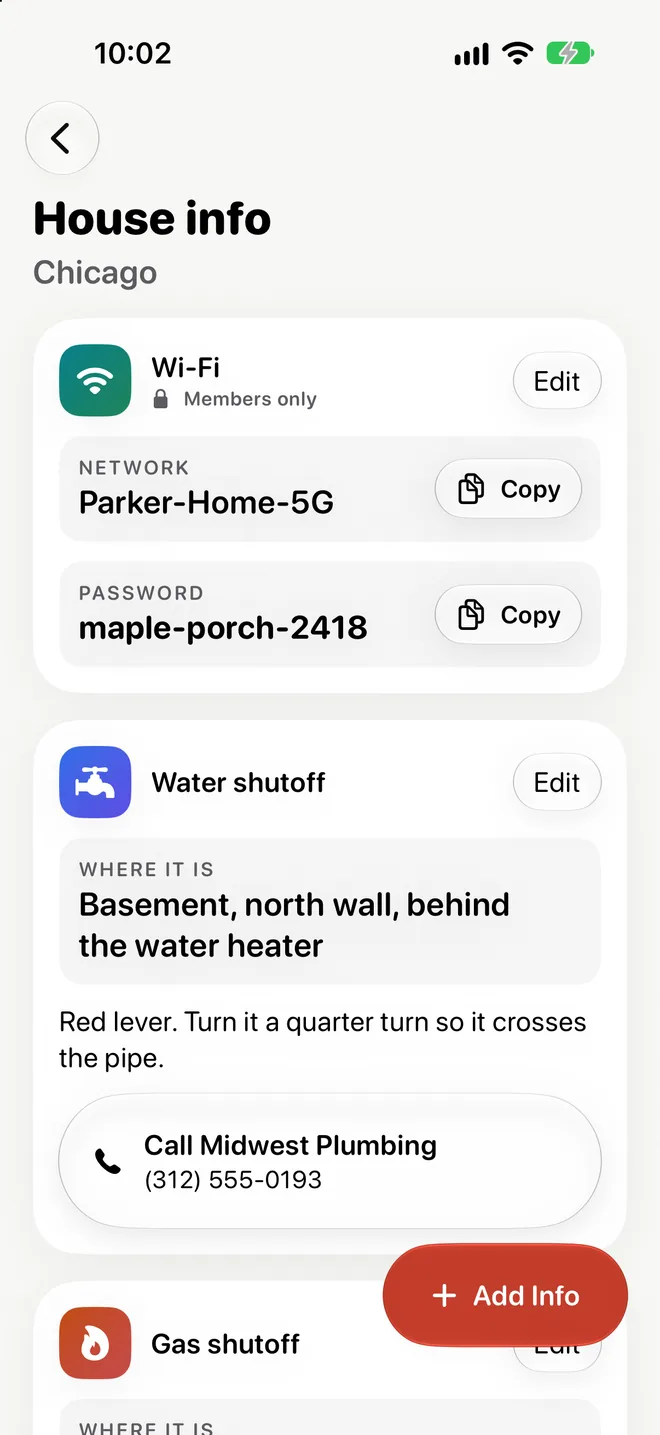
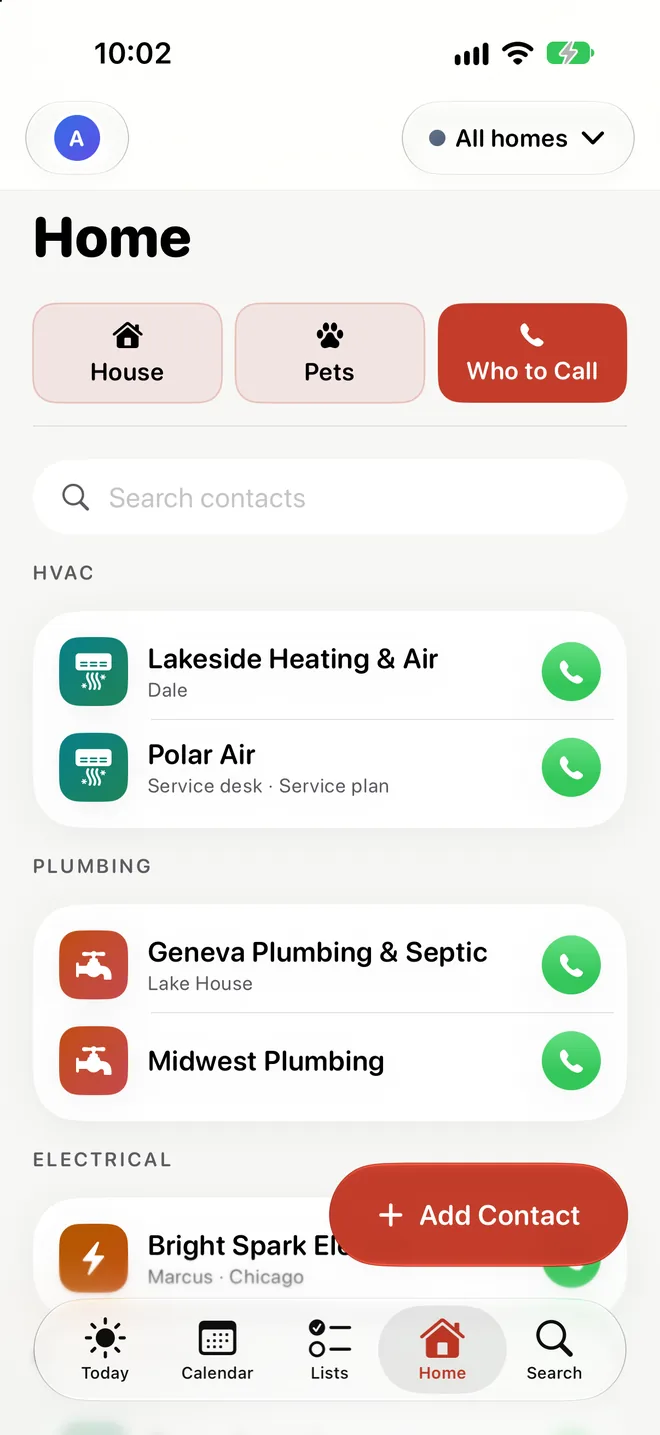
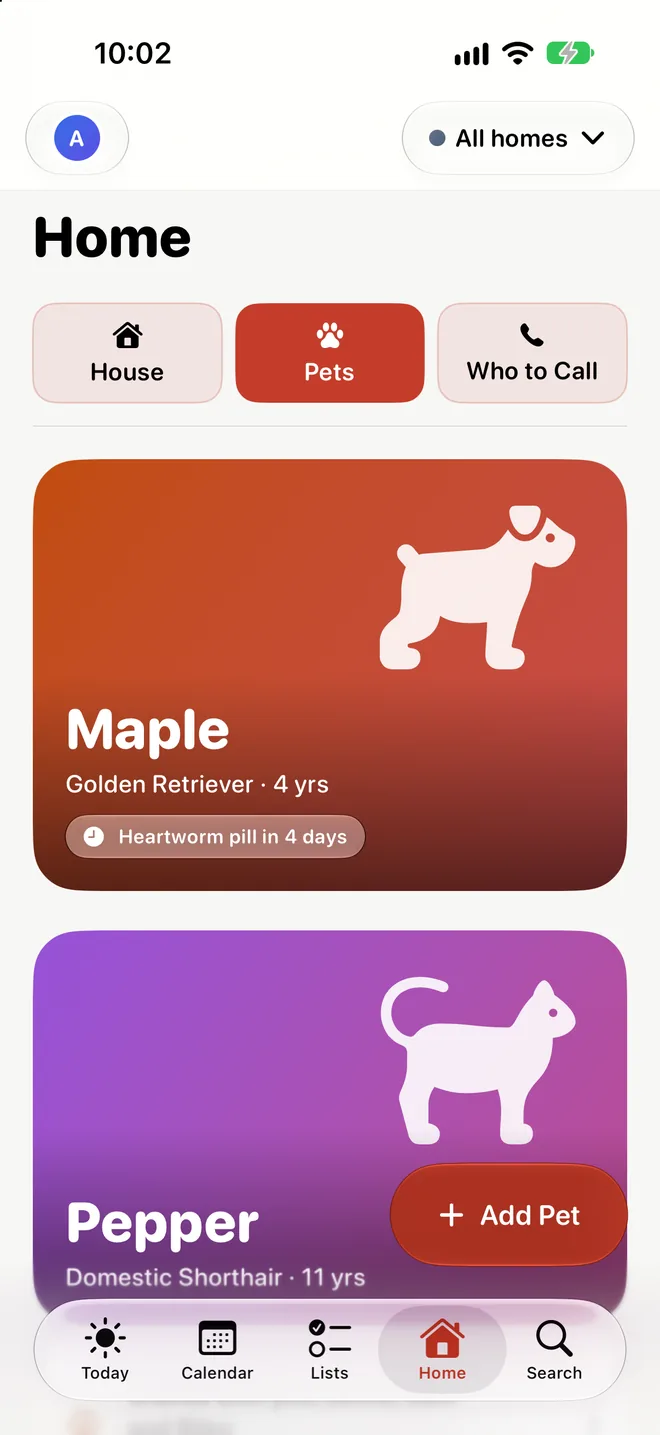
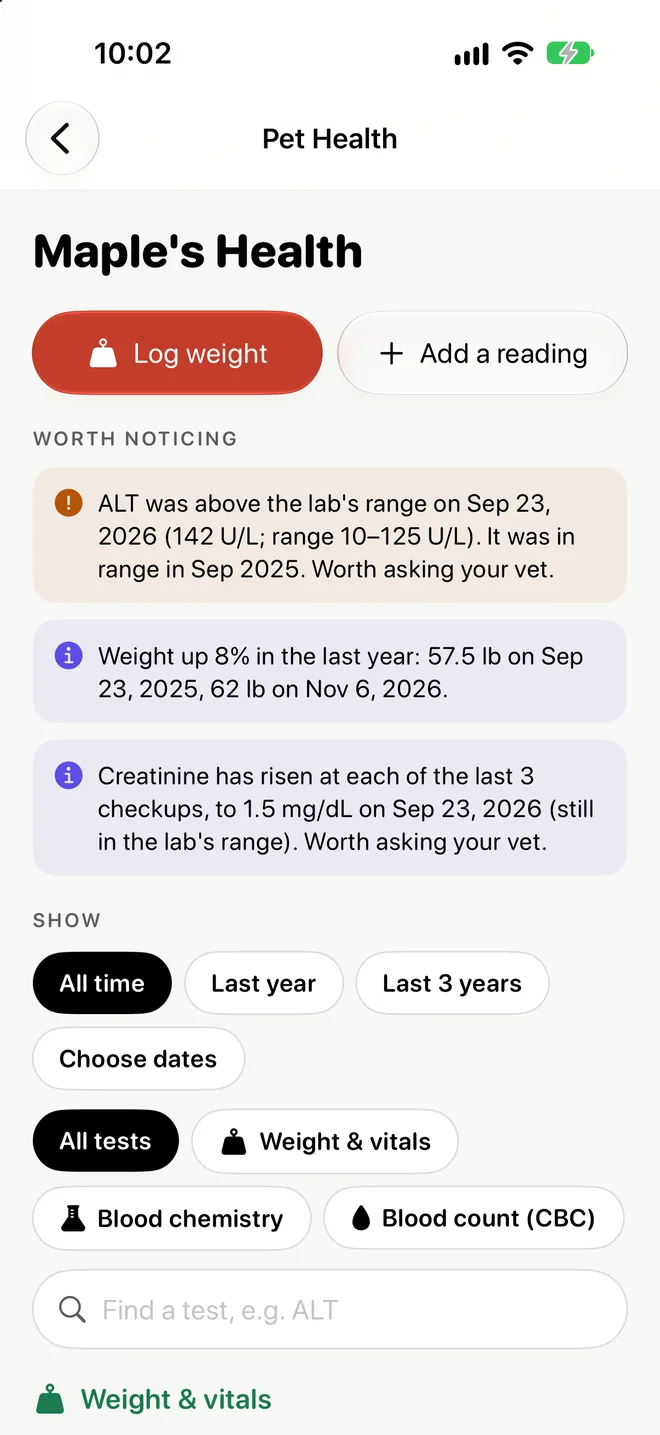
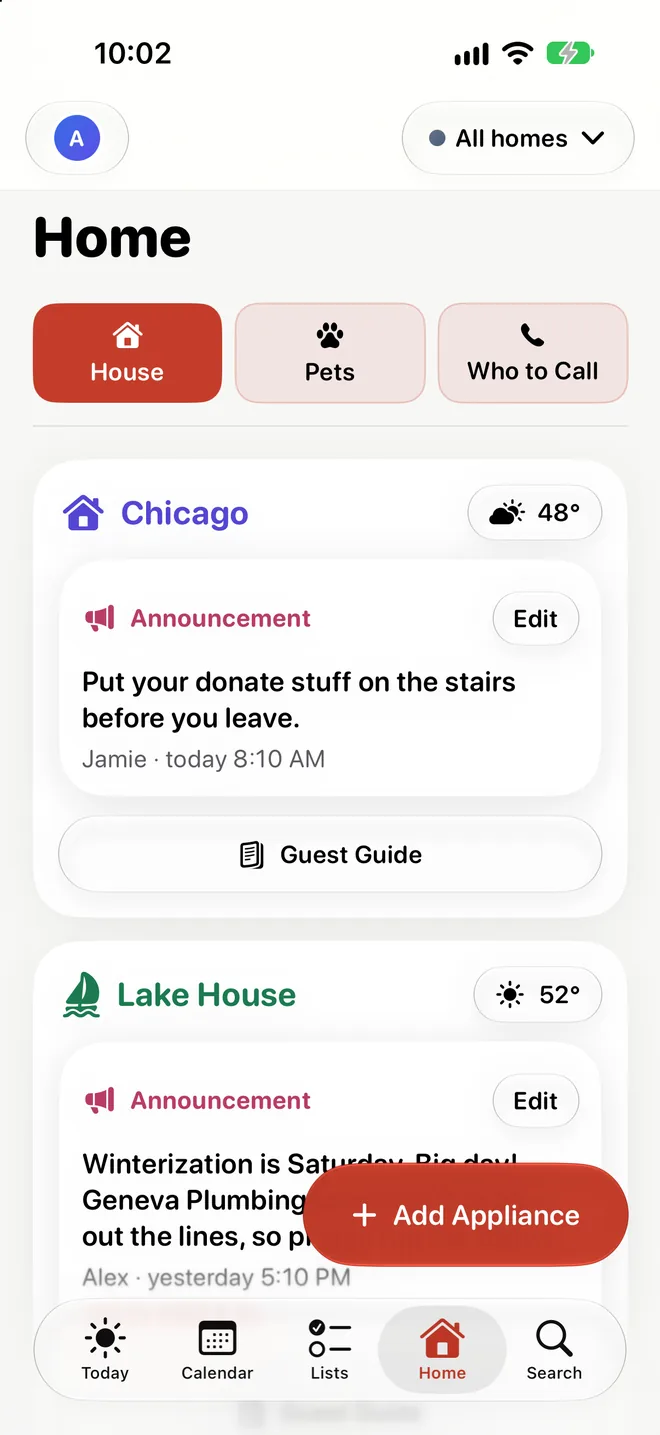
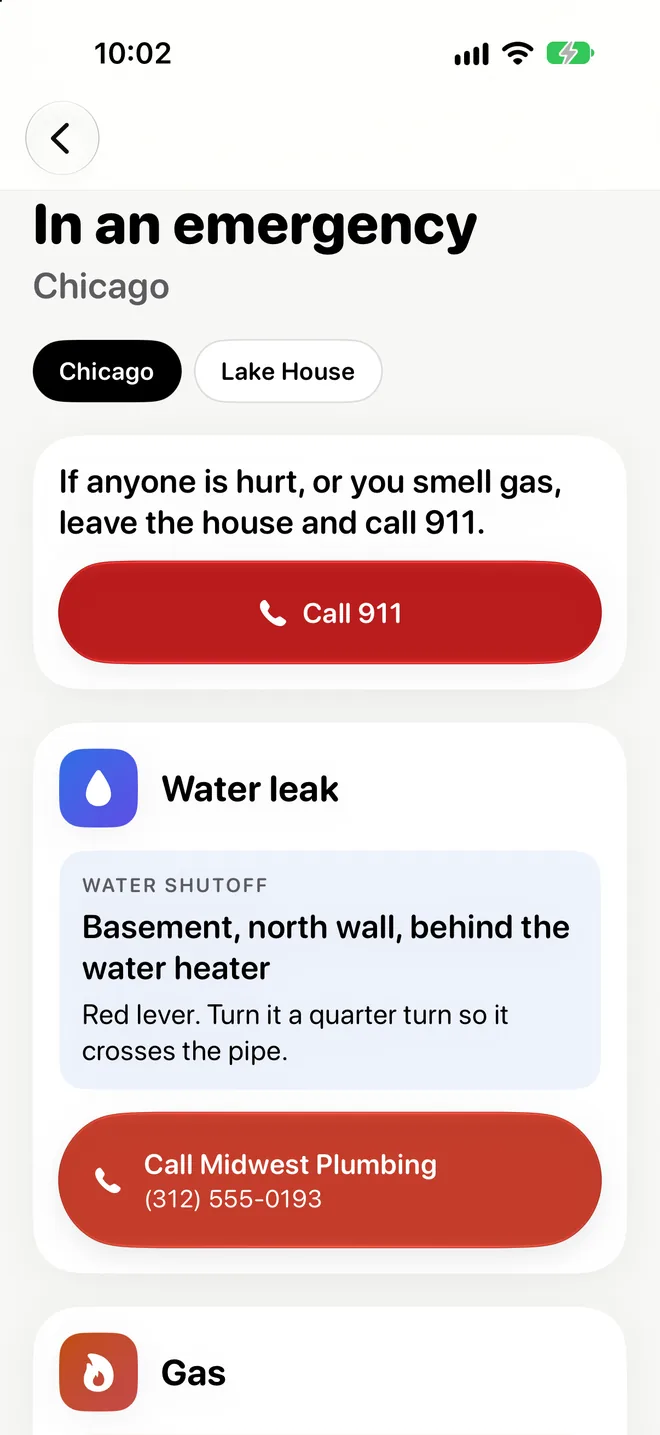
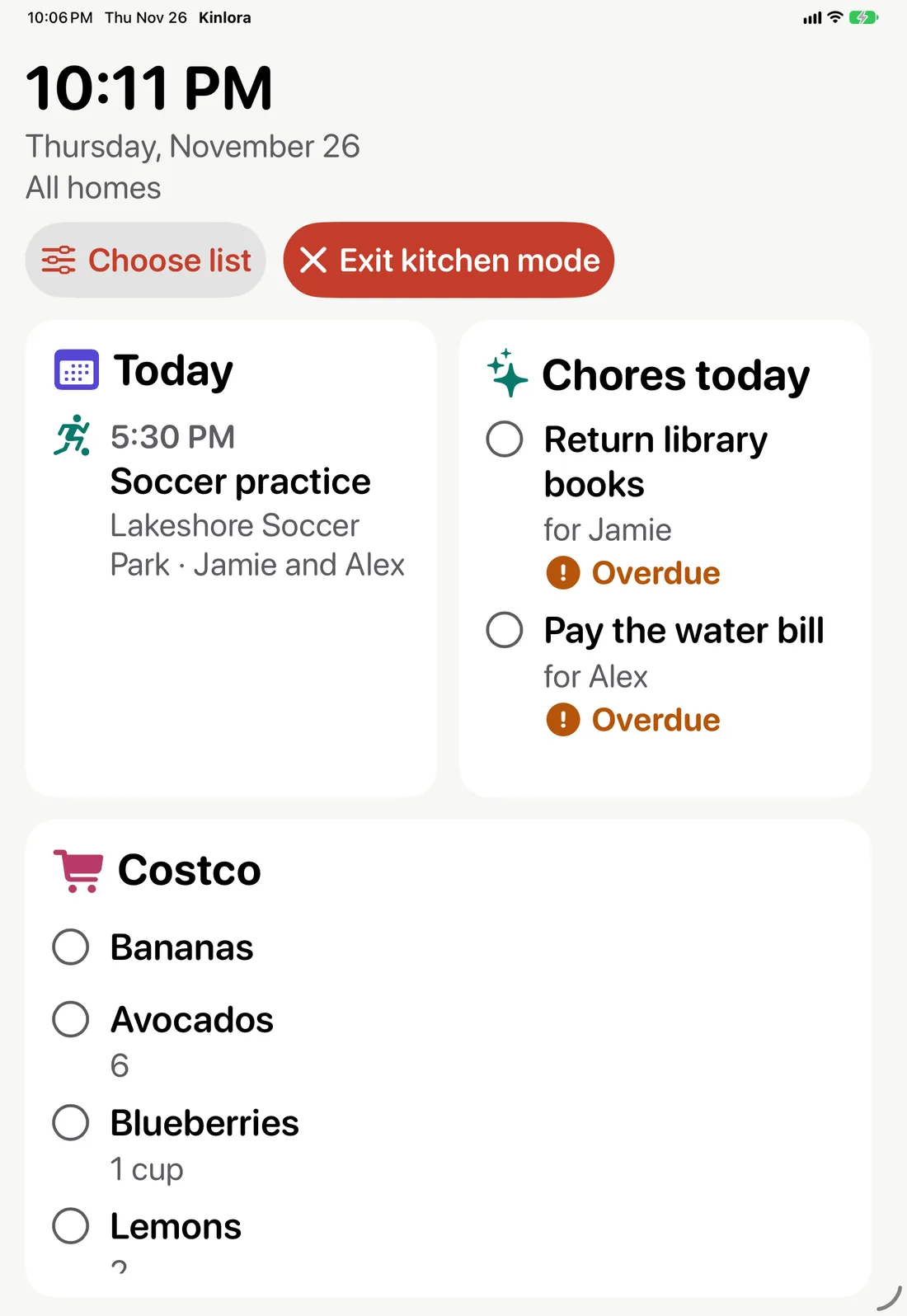
Kinlora is a family and home organizer for iPhone and iPad. It keeps shared lists and chores, a family calendar, recipes, appliances and maintenance, pet records, household contacts and house info such as the Wi-Fi and the water shutoff in one place that everyone in the family can use, and it lets you give sitters and guests access that ends on a date you set.
How much does it cost?
Kinlora starts out free, with no ads. If paid features are added later, one plan will cover the whole household, and we will say so clearly before anything changes.
Which devices does it work on?
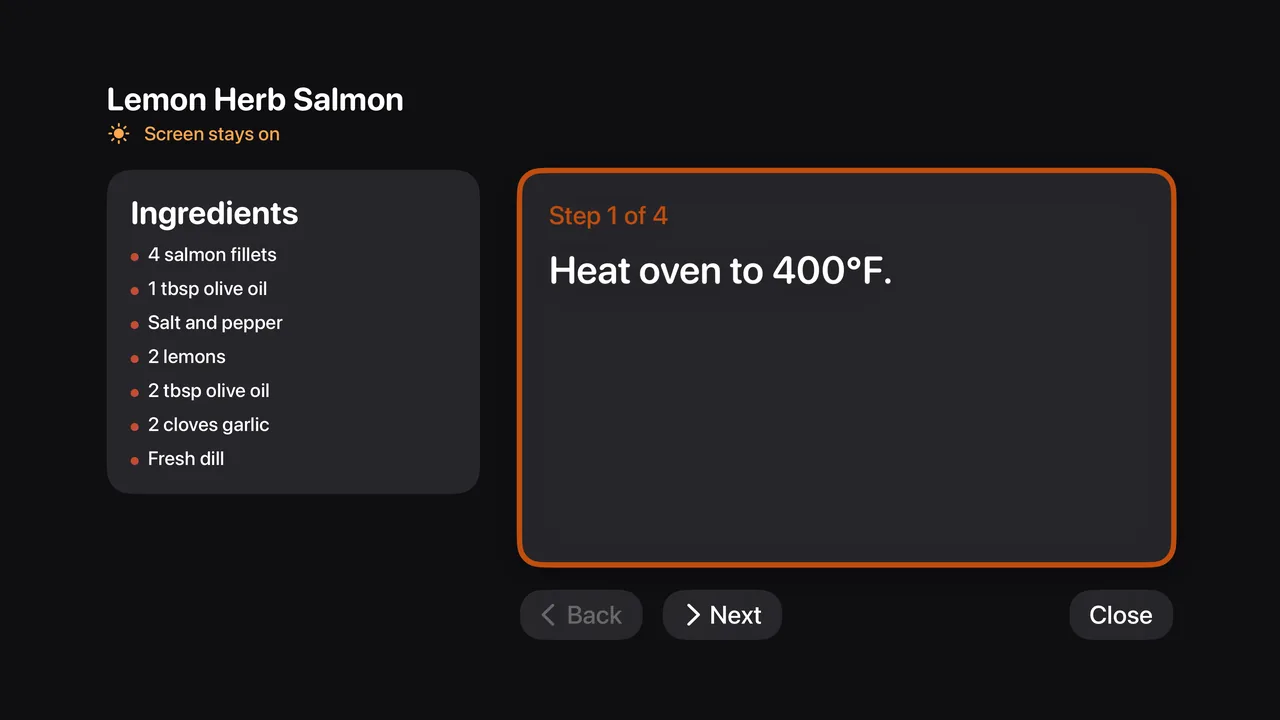
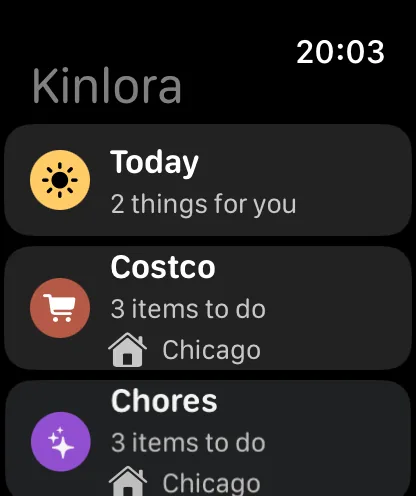
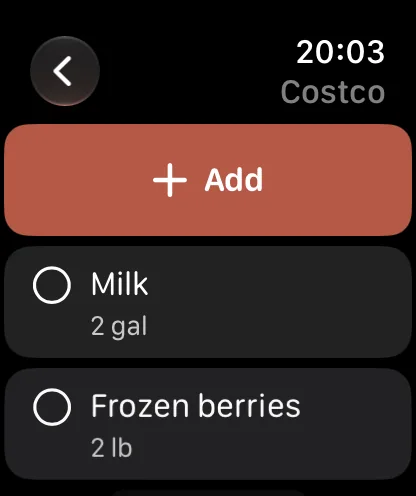
iPhone and iPad with iOS 26 or iPadOS 26 or later. There are also apps for Apple Watch (it works through your iPhone) and Apple TV. The smart features use Apple Intelligence on devices that support it; on other devices they use simpler built-in rules, and everything else works the same.
Is there an Android app or a web version?
Not yet. Kinlora is only for Apple devices for now.
What does a sitter or helper need?
The Kinlora app on an iPhone or iPad and the invite you send them. They sign in with Apple or Google and see only what you shared; someone invited to one home opens straight onto its Guest Guide. If they don't have an iPhone or iPad, you can print the Guest Guide or send it as a PDF.
Can Kinlora read my door codes and passwords?
No. Passwords and alarm, garage and gate codes saved in house info, and account numbers saved in Who to Call, are end-to-end encrypted: they are encrypted on your family's devices and Kinlora's servers can't read them. Other things you save, like lists and notes, are stored on Kinlora's servers so your family can share them, encrypted in transit and at rest, and you control who has access through family management.
Does the AI send my family's data to the cloud?
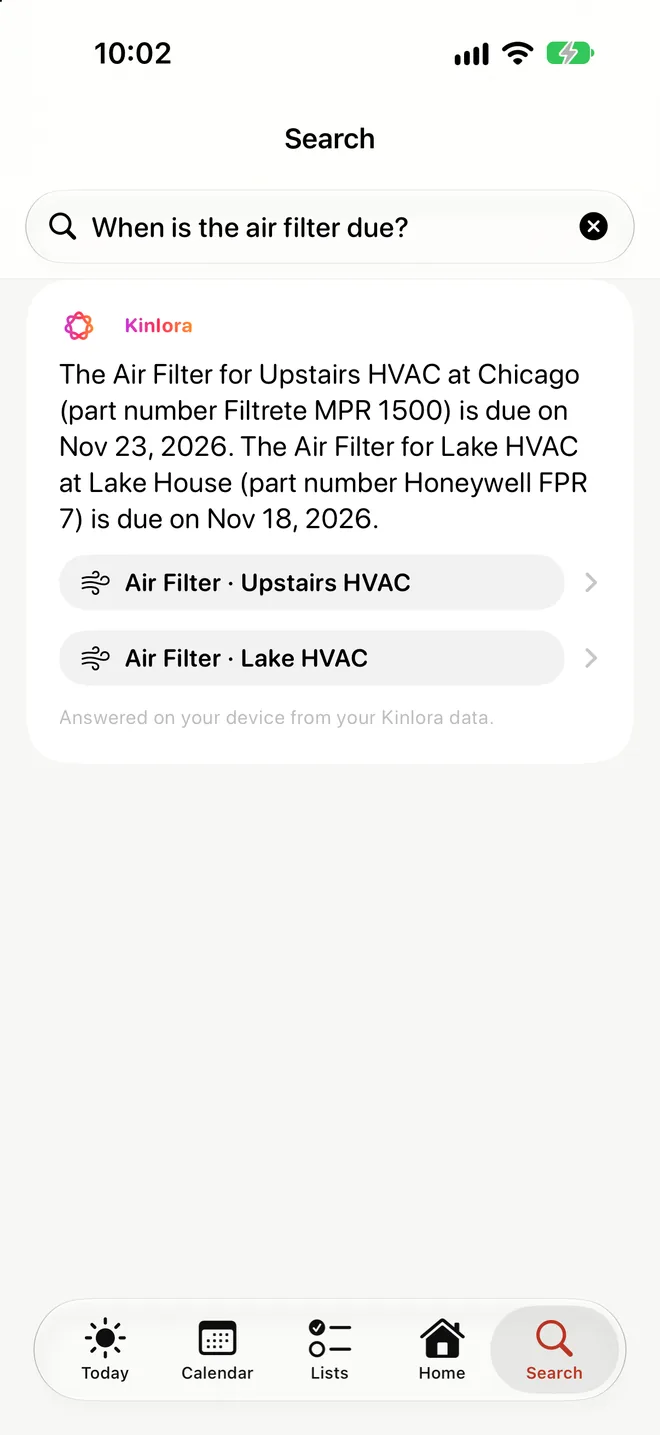
No. Ask Kinlora, scanning and summaries run on your iPhone or iPad. Household data isn't sent to an AI company or used to train a model.
What happens to my data if I leave?
You can export what you can see as a readable file at any time and delete your account from inside the app. When you leave a family or delete your account, what you shared stays with the family. The export leaves out encrypted codes and account numbers and says so.
Can I belong to more than one family?
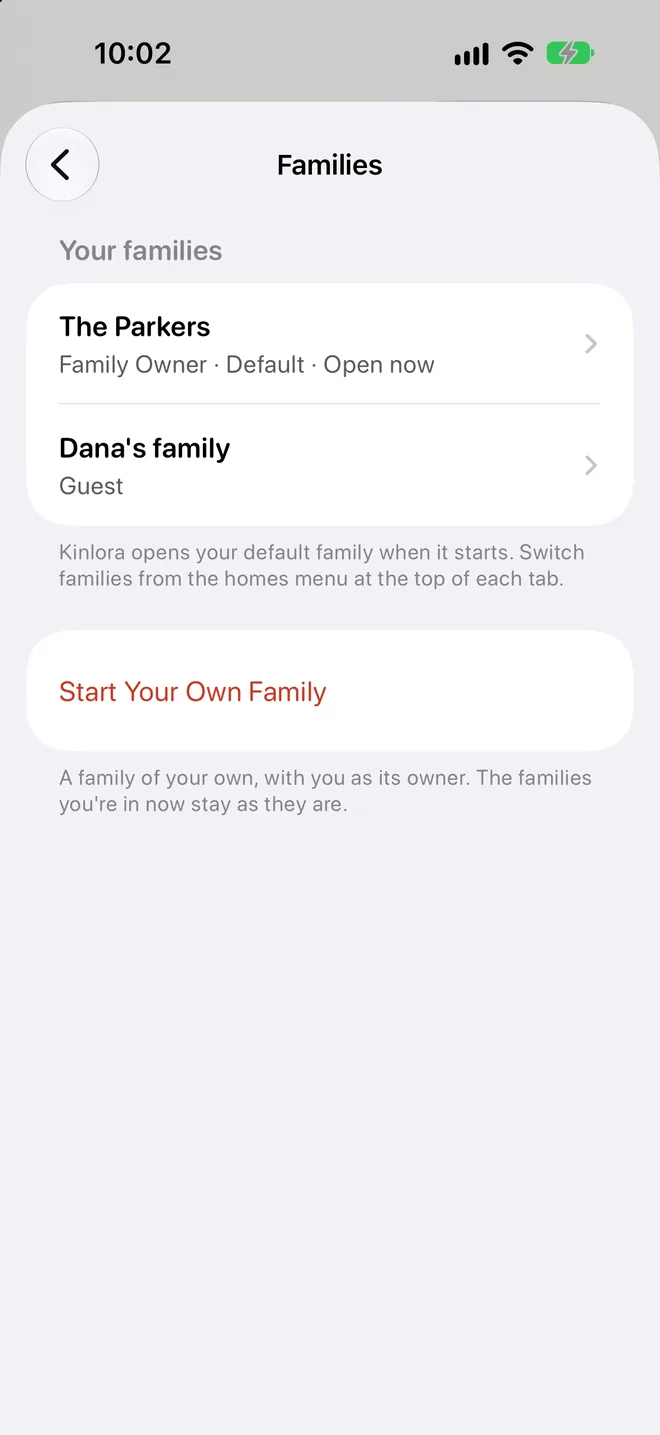
Yes. You can run your own family and also be a member or a guest in another one, such as a parent's home, and switch between them in the app. You choose which family opens first.
Can teenagers use it?
Kinlora accounts are for people aged 13 and older. Teens join with a Teen role: they can use shared lists and family events and make their own, but they don't see saved codes, prices or pet health records. Profiles for younger children aren't available.
Can I bring in my lists and calendar from Apple's apps?
Yes. Kinlora can copy the lists you pick from Apple Reminders and the events from Apple Calendar. Recipes come in from web links, social video links, photos and scans.
Is it easy for older adults to use?
That is a design goal we test for. Kinlora works at the largest text sizes, uses words instead of icon-only buttons, has high-contrast text and large tap targets, and works with VoiceOver.